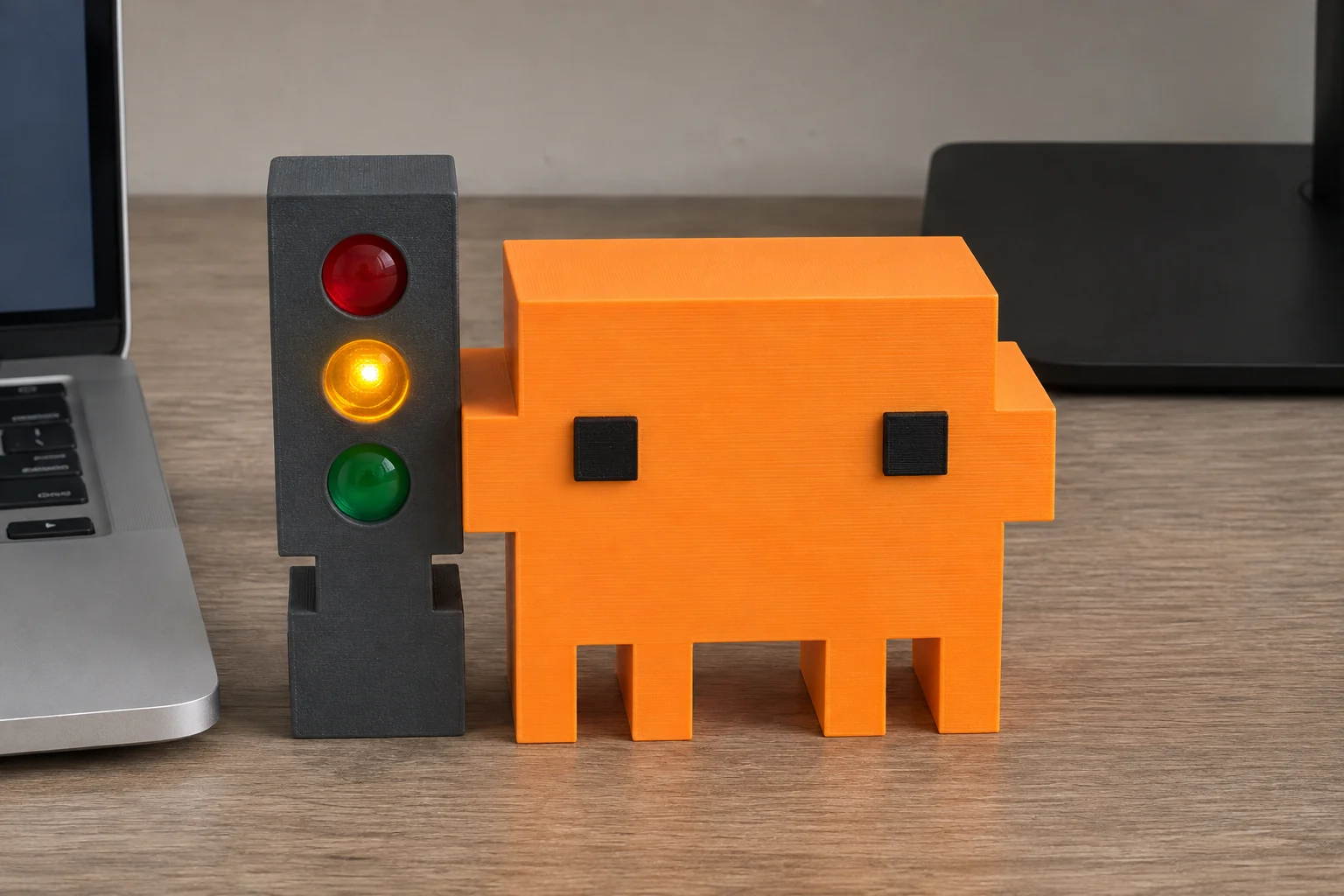
Clawdy
139 AED
- Three lights for working, done, and needs you.
- USB power and Bluetooth.
 Buy Clawdy on WhatsApp
A TRAFFIC LIGHT FOR YOUR AI CODING CHATS
Your AI agent asked a question at 9:05. You checked at noon. Clawdy tells you when it needs you.
See how the signals work ↓Virtual Clawdy is available as a source preview.
BUILD FROM SOURCE
Choose your computer, then paste its prompt into an AI assistant that can run commands on it.
 Mac
macOS 13+
Help me set up the Virtual Clawdy source preview on this Mac from https://github.com/alfonsoforcen3/Clawdy-Virtual. Use docs/TRY_VIRTUAL_CLAWDY.md. Check for macOS 13 or newer, Apple Command Line Tools and /usr/bin/python3. Reuse a valid existing checkout or clone the repo, then build to a separate local cache. If anything is missing, explain how to get it and ask before installing it. After the build, tell me how to launch the sample-data demo and ask before opening it or replacing an existing trial. Skip Bluetooth, provider hooks and startup changes.
 Windows
 11
Help me set up the Virtual Clawdy source preview on this Windows 11 PC from https://github.com/alfonsoforcen3/Clawdy-Virtual. Follow desktop/windows/README.md for the tray app. In native Windows PowerShell, check the OS architecture, Git, the .NET 10 SDK and native Python 3.9 or newer. Reuse a valid checkout or clone the repo. Build with desktop/windows/build.ps1 for the actual OS architecture and check the reported output for Clawdy.Windows.exe. If py -3 is unavailable, verify a native Python executable and use its full path with --python. Start with --demo, and ask before launching or installing prerequisites. If policy blocks a step, explain where it stopped. Skip Bluetooth, provider hooks and startup changes.
01 / RED LIGHT
02 / AMBER LIGHT
03 / GREEN LIGHT
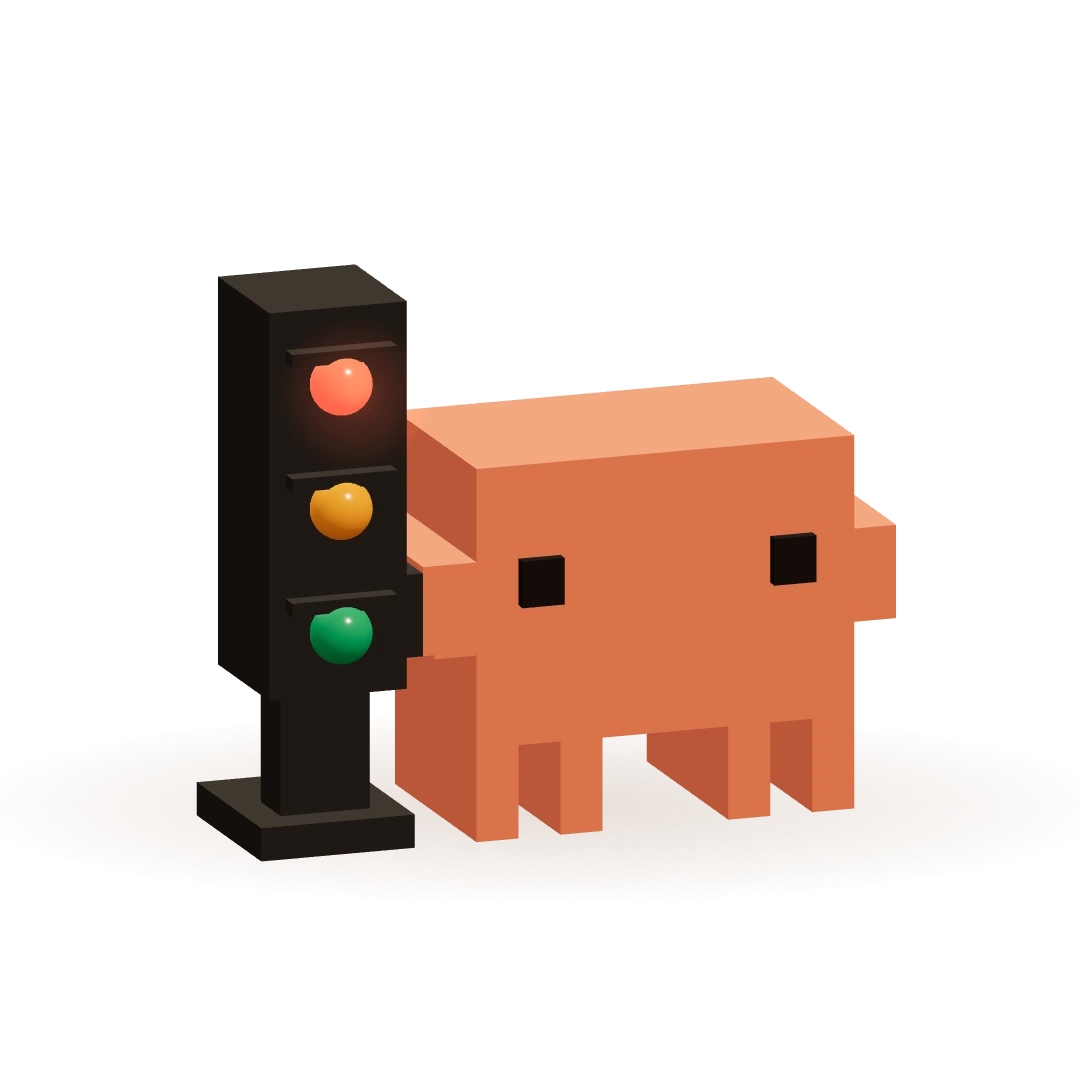
FULL WALKTHROUGH · 46 SECONDS
LOCAL AI CODING TOOLS
 Codex
 Claude Code
 Gemini CLI
 Cursor
Live status uses an existing local integration. Browser chats are outside this preview.
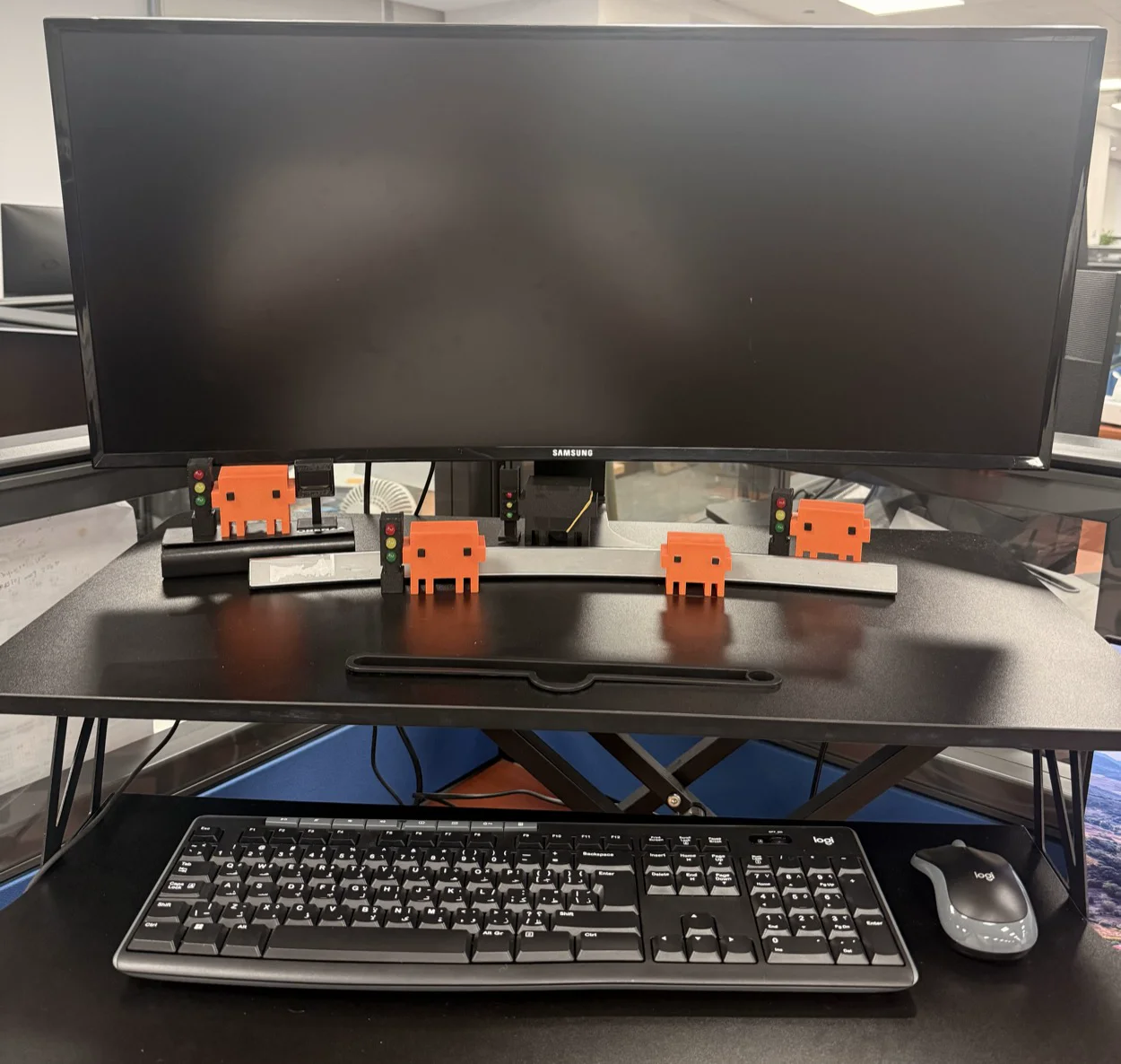
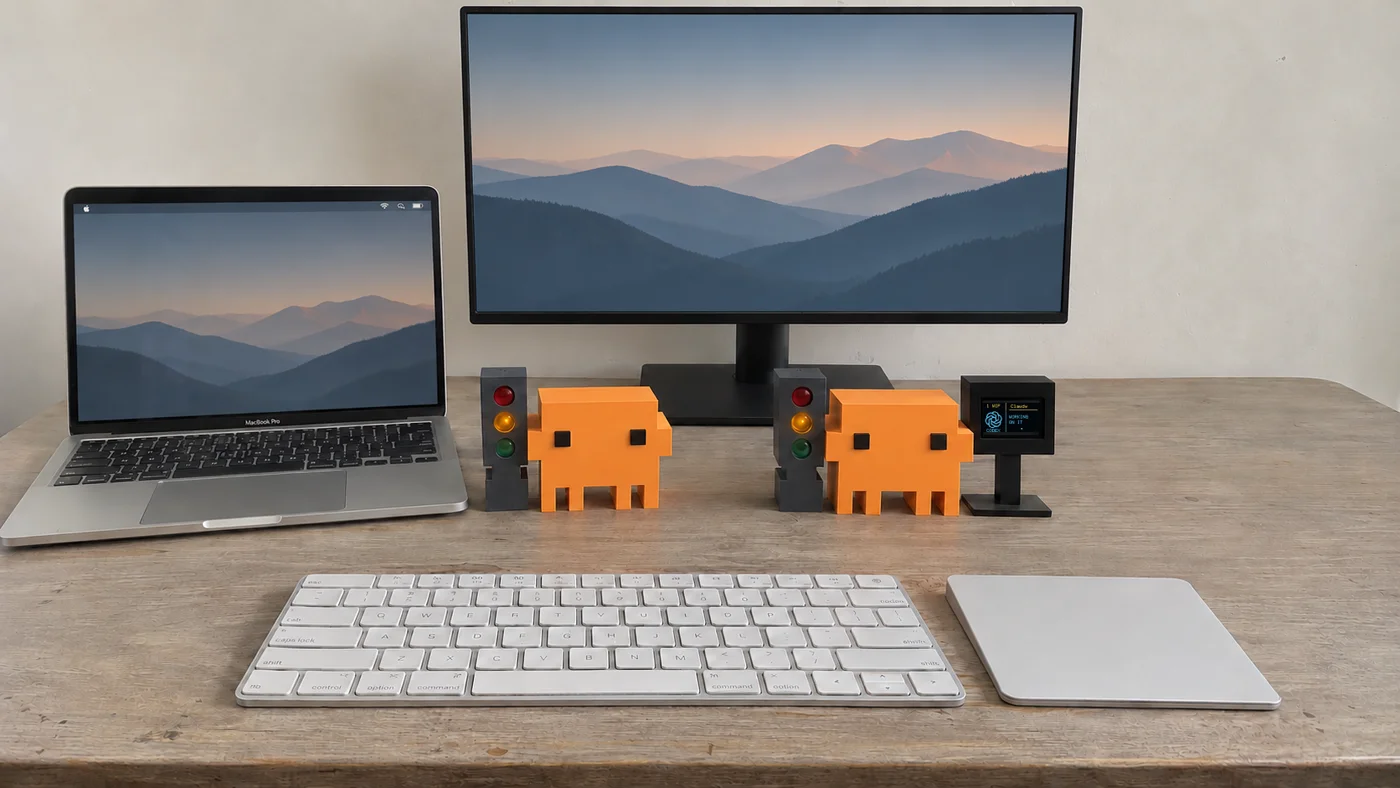
02 / THE DESK COMPANIONS
Physical Clawdy mirrors the status from your computer over Bluetooth.
PHYSICAL CLAWDY
139 AED
Buy Clawdy on WhatsApp
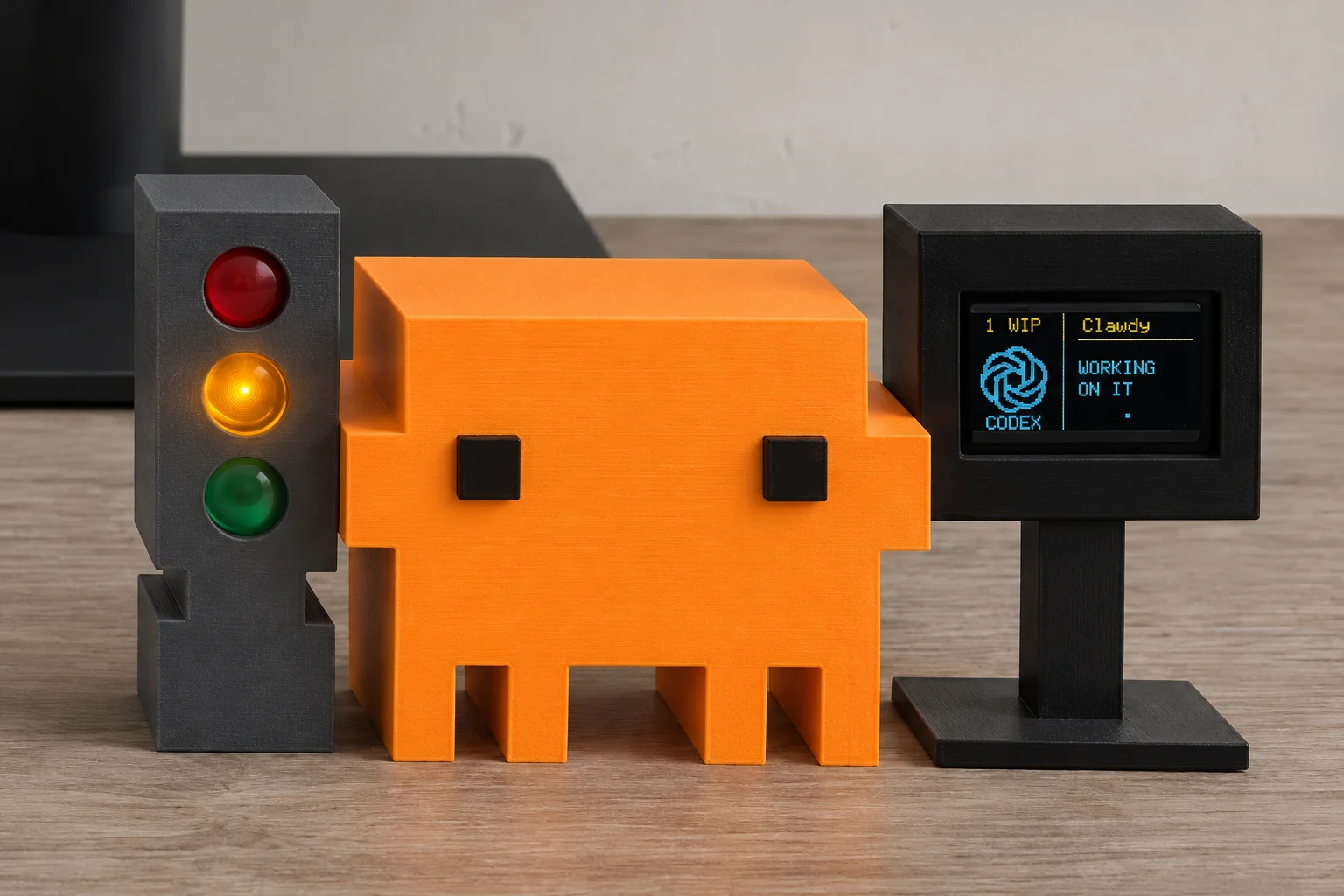
229 AED
Buy Clawdy Pro Max on WhatsApp
BASED IN DUBAI. MADE FOR YOUR CORNER OF THE WORLD.
Support payments are coming later.
INTERACTIVE DEMO
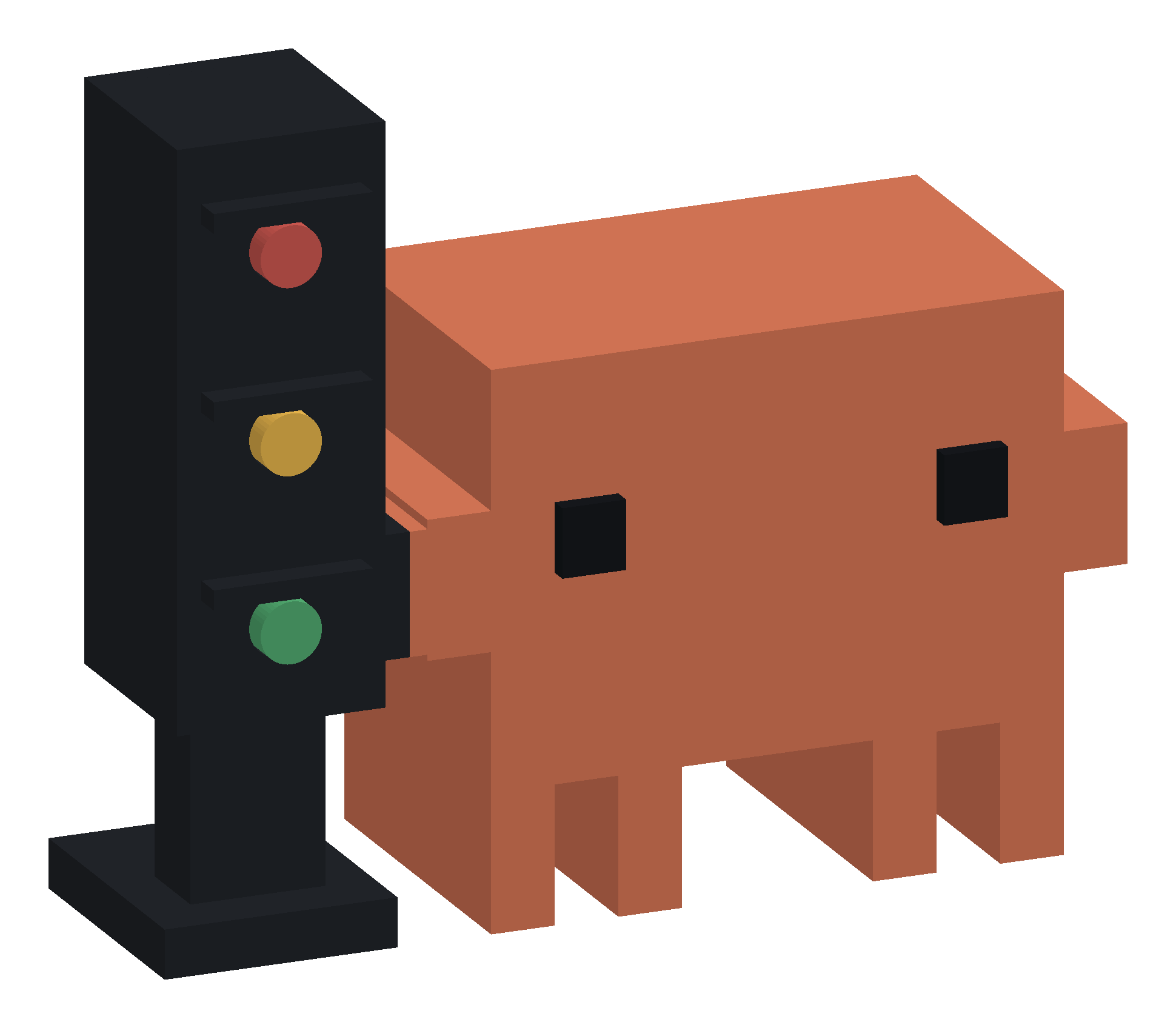
Your chats are working.